Executive Summary
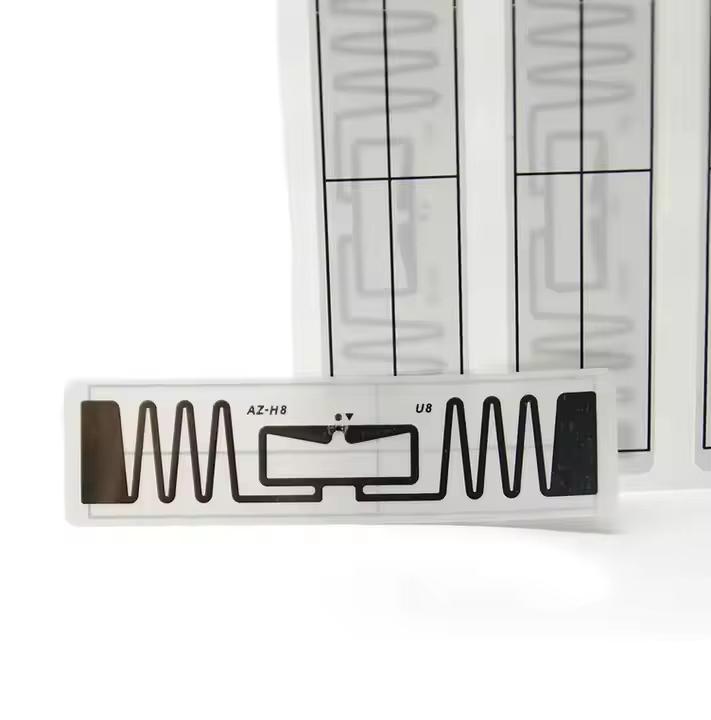
"RFID tags, or Radio Frequency Identification tags. RFID Systems enable non-contact reading and writing of data. RFID tags are the system's core component. RFID systems use radio waves to identify and authenticate objects."
Core Insight: Modern RFID systems represent a convergence of wireless communication, data analytics, and material science, creating intelligent identification networks that transform traditional business operations.
This technology has revolutionized asset tracking, inventory management, and security systems across multiple industries.
Technical Architecture
# How to Read and Write NFC Tags on Android
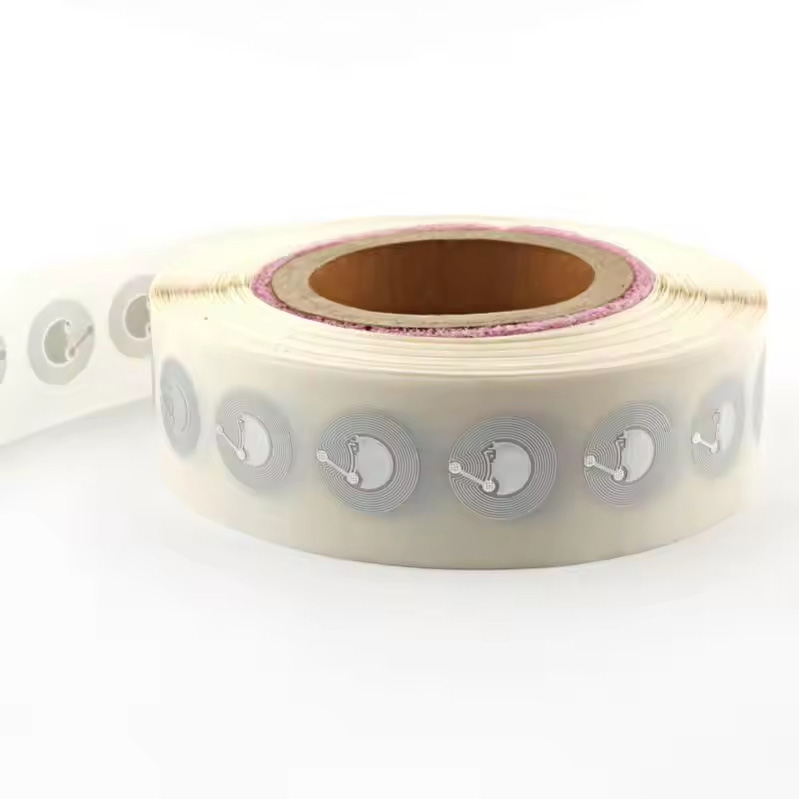
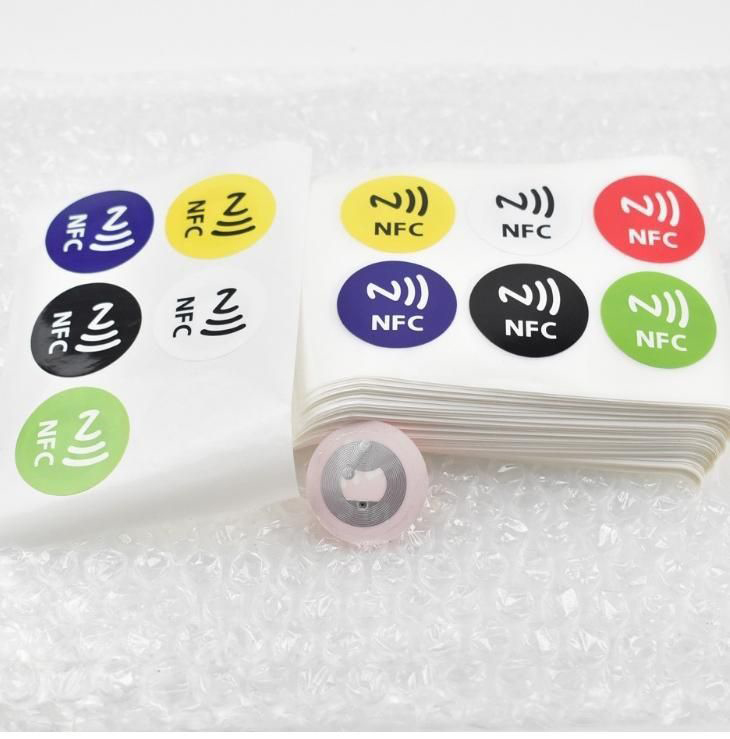
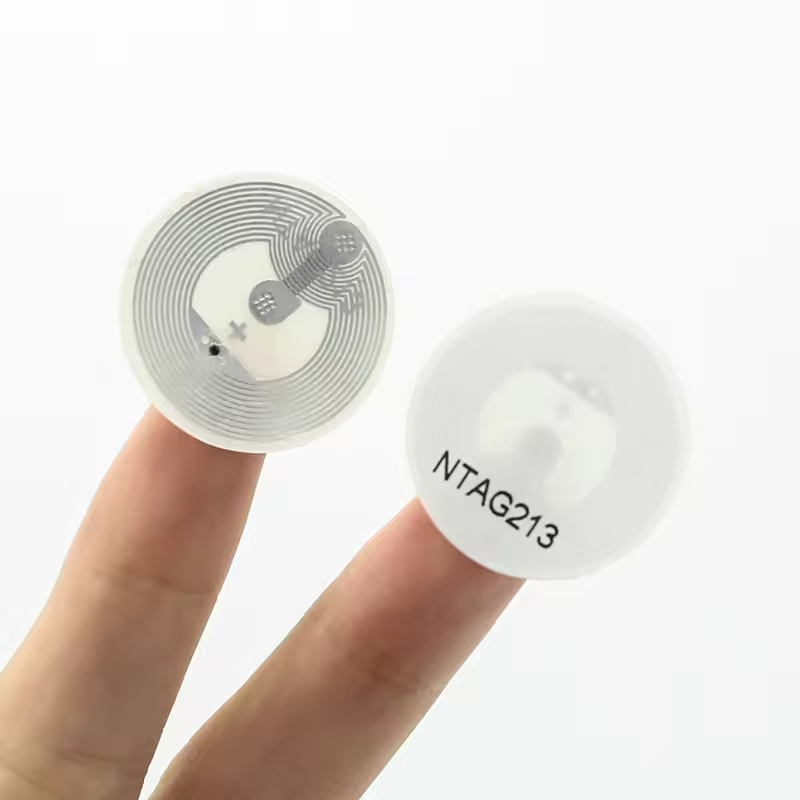
NFC technology has transformed how we interact with the physical world using our smartphones. For Android users, the ability to read and write NFC tags opens up a world of possibilities, from automating tasks to sharing information seamlessly. This comprehensive guide will walk you through the entire process, from understanding the basics to executing advanced operations.
## Understanding NFC Technology on Android
Near Field Communication (NFC) is a short-range wireless technology that allows data exchange between devices when they're brought within close proximity (typically 4 cm or less). Android devices have supported NFC since Android 2.3 (Gingerbread), with capabilities expanding significantly in subsequent versions.
**My Personal Experience with NFC Automation**
 I remember the first time I successfully programmed an NFC tag to automate my morning routine. I placed a tag on my nightstand that, when tapped with my phone, would disable my alarm, turn off airplane mode, enable Wi-Fi, and read out my daily calendar events. This simple interaction saved me several minutes each morning and demonstrated the practical power of this technology. The satisfaction of creating this automated workflow sparked my deeper interest in NFC capabilities.
## Prerequisites for Reading and Writing NFC Tags
Before you begin working with NFC tags on Android, ensure your device meets these requirements:
1. **Hardware Requirement**: Your Android device must have an NFC chip. Most mid-range and flagship smartphones from the last 5 years include NFC capabilities.
2. **Android Version**: While basic NFC reading works on older versions, full read/write functionality is best supported on Android 4.4 (KitKat) and above.
3. **Permissions**: Your app will need the `NFC` permission in the AndroidManifest.xml file:
```xml
<uses-permission android:name="android.permission.NFC" />
<uses-feature android:name="android.hardware.nfc" android:required="true" />
```
4. **User Settings**: NFC must be enabled in the device settings. You can guide users to enable it if disabled.
## Reading NFC Tags on Android
I remember the first time I successfully programmed an NFC tag to automate my morning routine. I placed a tag on my nightstand that, when tapped with my phone, would disable my alarm, turn off airplane mode, enable Wi-Fi, and read out my daily calendar events. This simple interaction saved me several minutes each morning and demonstrated the practical power of this technology. The satisfaction of creating this automated workflow sparked my deeper interest in NFC capabilities.
## Prerequisites for Reading and Writing NFC Tags
Before you begin working with NFC tags on Android, ensure your device meets these requirements:
1. **Hardware Requirement**: Your Android device must have an NFC chip. Most mid-range and flagship smartphones from the last 5 years include NFC capabilities.
2. **Android Version**: While basic NFC reading works on older versions, full read/write functionality is best supported on Android 4.4 (KitKat) and above.
3. **Permissions**: Your app will need the `NFC` permission in the AndroidManifest.xml file:
```xml
<uses-permission android:name="android.permission.NFC" />
<uses-feature android:name="android.hardware.nfc" android:required="true" />
```
4. **User Settings**: NFC must be enabled in the device settings. You can guide users to enable it if disabled.
## Reading NFC Tags on Android
 ### Basic Tag Reading Implementation
Reading NFC tags involves detecting when a tag comes into proximity with your device and then extracting the data from it. Here's a step-by-step approach:
### Basic Tag Reading Implementation
Reading NFC tags involves detecting when a tag comes into proximity with your device and then extracting the data from it. Here's a step-by-step approach:
 1. **Create an NFC Adapter Instance**:
```java
NfcAdapter nfcAdapter = NfcAdapter.getDefaultAdapter(context);
1. **Create an NFC Adapter Instance**:
```java
NfcAdapter nfcAdapter = NfcAdapter.getDefaultAdapter(context);
 if (nfcAdapter == null) {
// NFC is not available on this device
return;
}
if (!nfc
if (nfcAdapter == null) {
// NFC is not available on this device
return;
}
if (!nfc
99.9%
Read Accuracy
15m
Read Range
10ms
Response Time
5+ yrs
Battery Life