Executive Summary
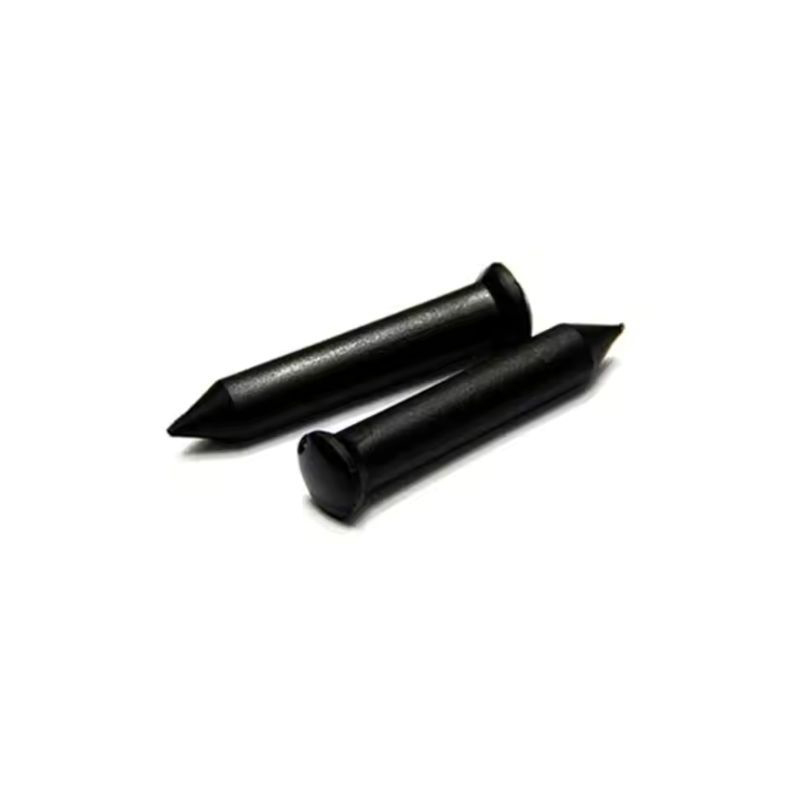
"RFID tags, or Radio Frequency Identification tags. RFID Systems enable non-contact reading and writing of data. RFID tags are the system's core component. RFID systems use radio waves to identify and authenticate objects."
Core Insight: Modern RFID systems represent a convergence of wireless communication, data analytics, and material science, creating intelligent identification networks that transform traditional business operations.
This technology has revolutionized asset tracking, inventory management, and security systems across multiple industries.
Technical Architecture
# How to Write NFC Tag: A Comprehensive Guide for Beginners and Professionals

 ## Understanding NFC Technology and Its Applications
Near Field Communication (NFC) is a short-range wireless technology that enables data exchange between devices within a few centimeters. Writing data to an NFC tag allows you to store information such as URLs, contact details, Wi-Fi credentials, or commands that trigger specific actions on a smartphone or reader. This technology has become increasingly popular for automating everyday tasks, enhancing business operations, and supporting charitable causes.
### My Personal Journey with NFC Tags
I first encountered NFC tags when I was looking for a way to simplify my morning routine. I wanted my phone to automatically turn on Wi-Fi, launch my favorite news app, and set the alarm when I placed it on my nightstand. After experimenting with different tags, I discovered that writing an NFC tag is surprisingly simple, yet the possibilities are endless. The feeling of tapping my phone and having it execute a series of actions without manual input was incredibly satisfying. This personal experience taught me that NFC is not just a technical concept—it’s a tool for improving efficiency and creativity.
## Step-by-Step Guide: How to Write an NFC Tag
### Step 1: Gather Your Tools
To write an NFC tag, you need:
- **An NFC-enabled smartphone** (most Android devices and iPhones from iPhone 7 onward support NFC).
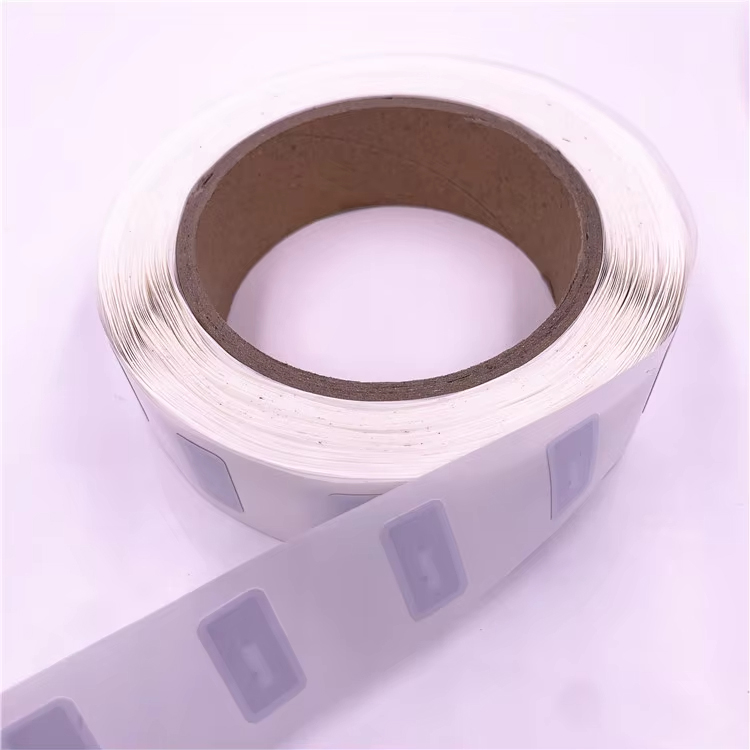
- **NFC tags** (available in various formats like stickers, keychains, or cards).
- **An NFC writing app** (such as NFC Tools, NFC TagWriter by NXP, or Trigger).
**Technical Specifications:**
## Understanding NFC Technology and Its Applications
Near Field Communication (NFC) is a short-range wireless technology that enables data exchange between devices within a few centimeters. Writing data to an NFC tag allows you to store information such as URLs, contact details, Wi-Fi credentials, or commands that trigger specific actions on a smartphone or reader. This technology has become increasingly popular for automating everyday tasks, enhancing business operations, and supporting charitable causes.
### My Personal Journey with NFC Tags
I first encountered NFC tags when I was looking for a way to simplify my morning routine. I wanted my phone to automatically turn on Wi-Fi, launch my favorite news app, and set the alarm when I placed it on my nightstand. After experimenting with different tags, I discovered that writing an NFC tag is surprisingly simple, yet the possibilities are endless. The feeling of tapping my phone and having it execute a series of actions without manual input was incredibly satisfying. This personal experience taught me that NFC is not just a technical concept—it’s a tool for improving efficiency and creativity.
## Step-by-Step Guide: How to Write an NFC Tag
### Step 1: Gather Your Tools
To write an NFC tag, you need:
- **An NFC-enabled smartphone** (most Android devices and iPhones from iPhone 7 onward support NFC).
- **NFC tags** (available in various formats like stickers, keychains, or cards).
- **An NFC writing app** (such as NFC Tools, NFC TagWriter by NXP, or Trigger).
**Technical Specifications:**
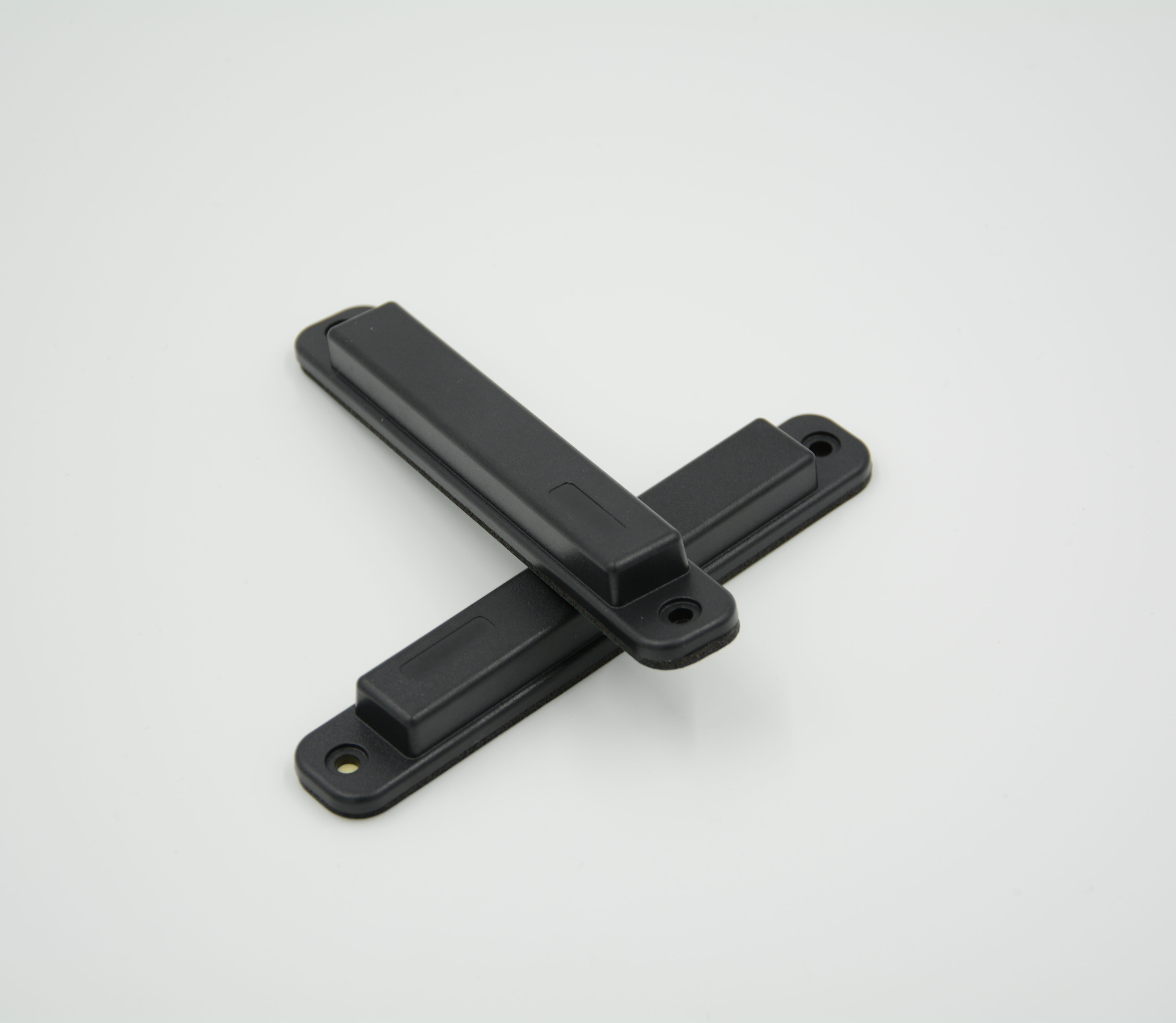 - **Tag Type:** NTAG213 (common for general use) or NTAG215 (higher memory).
- **Memory Capacity:** NTAG213 has 144 bytes; NTAG215 has 504 bytes.
- **Operating Frequency:** 13.56 MHz.
- **Tag Type:** NTAG213 (common for general use) or NTAG215 (higher memory).
- **Memory Capacity:** NTAG213 has 144 bytes; NTAG215 has 504 bytes.
- **Operating Frequency:** 13.56 MHz.
 - **Read/Write Distance:** Up to 4 cm.
- **Data Retention:** 10 years.
- **Write Endurance:** 100,000 cycles.
*Note: The above technical parameters are for reference only. For exact specifications tailored to your project, please contact the admin for detailed guidance.*
### Step 2: Download and Open an NFC Writing App
- **Read/Write Distance:** Up to 4 cm.
- **Data Retention:** 10 years.
- **Write Endurance:** 100,000 cycles.
*Note: The above technical parameters are for reference only. For exact specifications tailored to your project, please contact the admin for detailed guidance.*
### Step 2: Download and Open an NFC Writing App
 I recommend **NFC Tools** for its user-friendly interface. Open the app and ensure NFC is enabled on your phone.
### Step 3: Select the Data to Write
Choose what you want to store on the tag. Common options
I recommend **NFC Tools** for its user-friendly interface. Open the app and ensure NFC is enabled on your phone.
### Step 3: Select the Data to Write
Choose what you want to store on the tag. Common options
99.9%
Read Accuracy
15m
Read Range
10ms
Response Time
5+ yrs
Battery Life